Team structure without chaos and unclear responsibility
You see who is responsible for what, how the organization is structured, and where overload or “grey areas” appear.
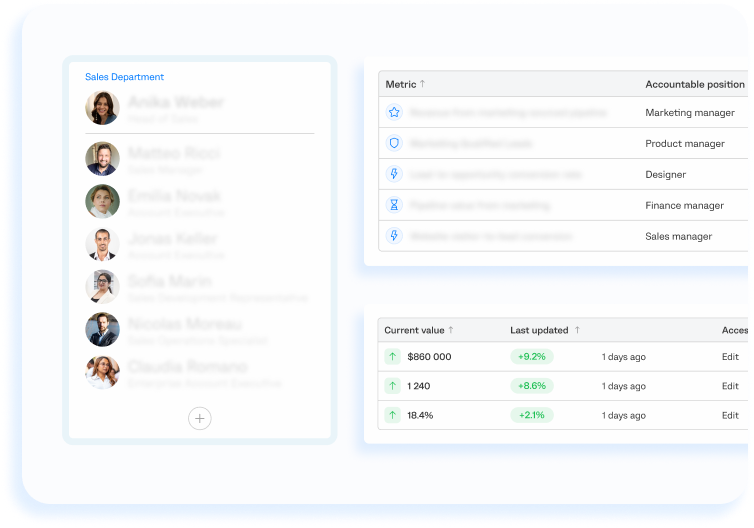
Each result has a specific owner. No more “this is not my task” and unclear roles.
You can see who is overloaded, where functions are duplicated, or where work is simply “hanging”.
Roles, levels and authority are clearly defined. No confusion in decision-making.
Responsibility is connected to specific results and tasks — not just to a job title.
Org Structure
A visual model of company management — from leadership to every role.
You see the full organizational structure:
- who reports to whom
- how responsibility is distributed across roles
- where overload appears
- which roles are missing
- where bottlenecks appear
Any team changes are immediately reflected in the org structure.

Departments Overview
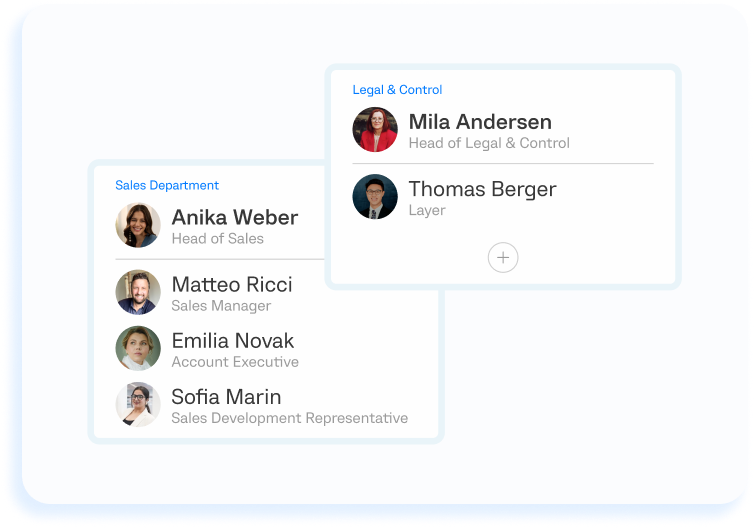
Each department (Sales, Marketing, Product and others) has its own role structure and responsibility area.
In the department card you can see:
- how many people are in the team
- which roles are filled or vacant
- where roles are overloaded
- where functions are duplicated
- which goals are at risk due to lack of resources
Managers see the real picture of team workload and effectiveness.
Positions
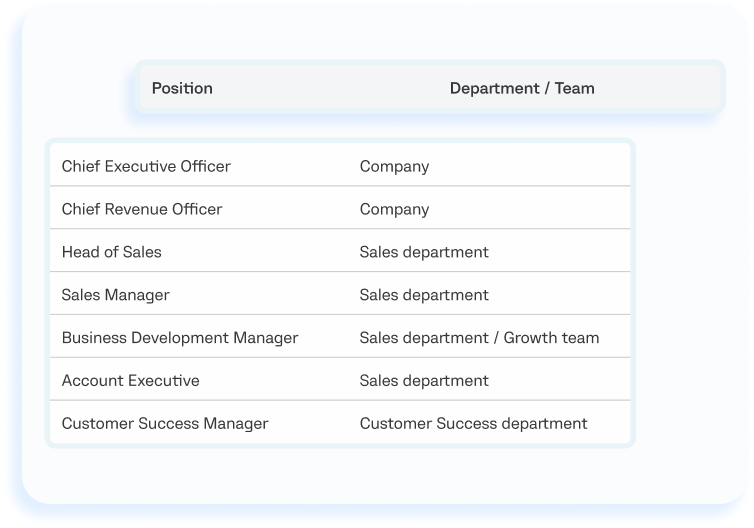
A catalog of all company roles with a clear description of the expected result.
For each position, the system defines:
- the main purpose of the role
- responsibility area
- specific responsibilities
- workflows and processes
- interaction with other roles
- connected goals and metrics
No vague descriptions, double interpretations or “grey areas”.
Employees
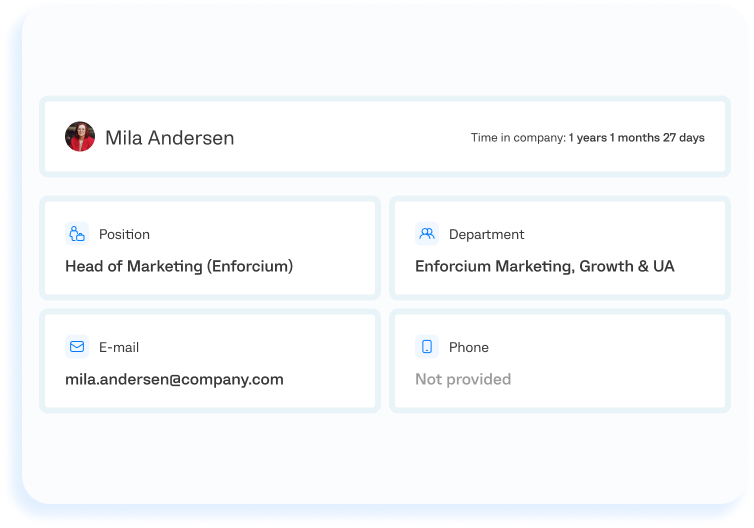
Each employee is connected to a role, department and responsibility.
You can see:
- what role the person has
- which department they work in
- which tasks and results they are responsible for
- how this is connected to team goals
The team structure becomes transparent and manageable, even as the company grows.
Here is how it used to work for us: the installation crew would arrive on site, and only then it would turn out that something was missing or had not been approved. Then the calls and clarifications started, with everyone trying to understand who was responsible. Once we broke down roles and responsibilities, those situations almost disappeared. It became clear where the problem was and who should solve it. Now there is much less manual management.

FAQ
People is not an HR system.
The module defines the management structure, roles and responsibility areas.
It shows who is responsible for what and how this affects company results.
Yes — especially if the team is growing.
People helps maintain structure and prevents chaos in roles.
Yes.
Any team changes are immediately reflected in the system — without separate diagrams, documents or process redesign.
“Grey areas” of responsibility disappear.
Roles and authority become transparent.
The manager is no longer the only control point.
Responsibility should be transparent
No double roles. No “grey areas”.